
Master Recent Follow Insights: IG Follower Tracker Guide
June 24, 2026
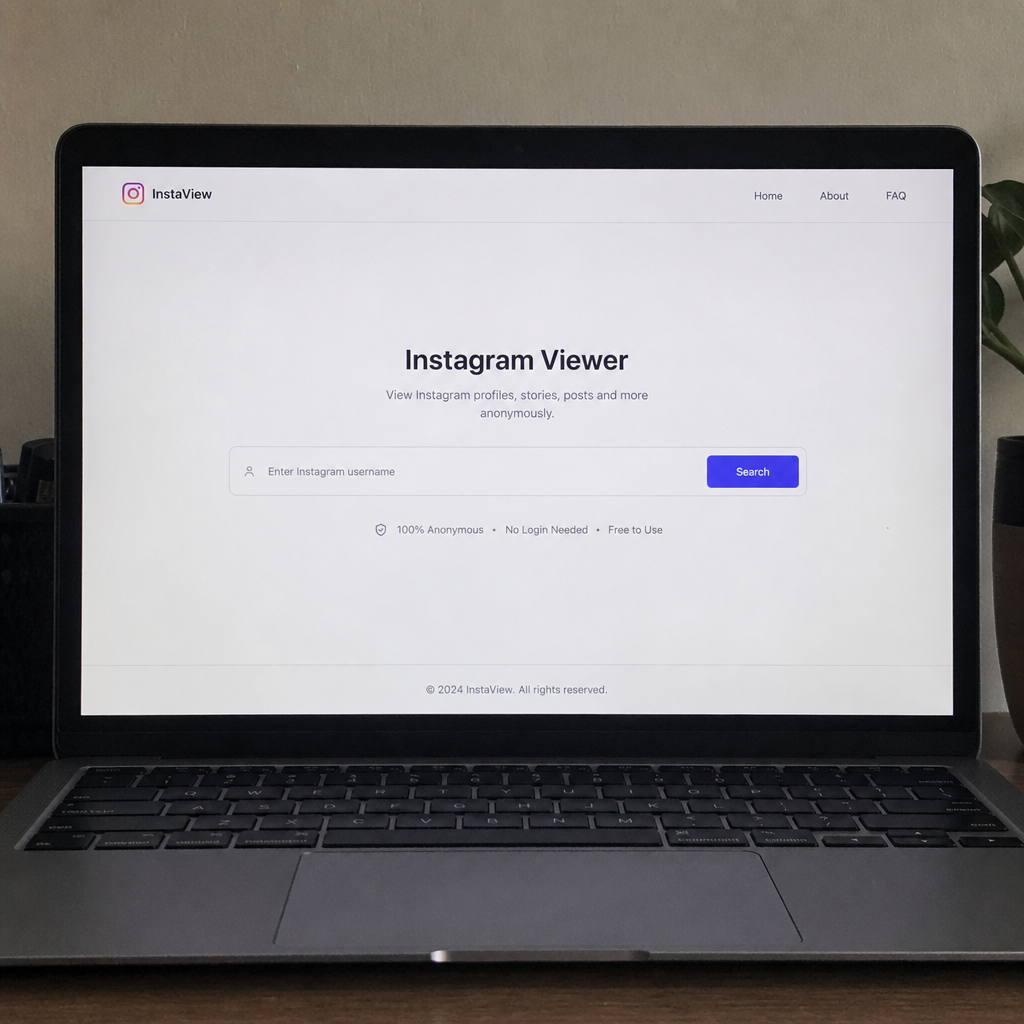
Every new follower on Instagram is a small signal — a vote of confidence, a curiosity click, or the start of a long-term relationship with your content. Understanding recent follow activity is one of the simplest ways to read those signals and turn them into real engagement.
What "Recent Follow" Actually Means on Instagram
The "Recent" tab in your followers list (the small dropdown that lets you sort by Date followed: earliest or latest) is Instagram's only built-in way to see who followed you most recently. It's deceptively powerful: it tells you which content, collaboration, or hashtag is currently pulling people in.
Pay attention to three things every time you check it:
- Velocity — how many new followers arrived in the last 24–72 hours.
- Source clues — do the new accounts share a niche, language, or mutual?
- Quality — real accounts with profile pictures and posts vs. empty/bot profiles.
Why Tracking Recent Follows Matters
Instagram's native insights show totals, but totals hide the story. A creator who gains 200 followers in a week from one viral Reel needs a very different strategy than one who gains 30 high-intent followers from a niche carousel.
Tracking recent follows helps you:
- Attribute growth to specific posts. Spike in follows right after a Reel? That format is working.
- Spot unfollows early. Comparing yesterday's "recent" list to today's reveals churn before it dents your numbers.
- Identify super-fans. New followers who immediately like 5+ posts are your highest-value audience.
- Catch bot waves. Sudden bursts of empty accounts mean it's time to review privacy and block patterns.
Using an IG Follower Tracker
Third-party IG follower trackers layer analytics on top of what Instagram already shows you. The good ones do four things well:
- Log every follow and unfollow with a timestamp.
- Flag ghost followers (accounts that never engage).
- Show your follower growth curve next to your posting calendar.
- Highlight mutuals, non-followers-back, and "secret admirers" who view but don't follow.
Choosing a Safe Tracker
Instagram's API is strict, and tools that ask for your password or post on your behalf are a fast track to a suspended account. Stick to trackers that:
- Use Instagram's official Graph API or read-only public data.
- Never request your password — only OAuth or manual export.
- Have a clear privacy policy and don't resell your follower data.
If a tool promises "unlimited auto-follows" or "see anyone's private followers," walk away. Those features violate Instagram's Terms of Service and put your account at risk.
Turning Recent Follow Data Into Engagement
Data is only useful when it changes behaviour. Here's a simple weekly loop:
- Monday — Audit. Open the Recent tab. Note the top 10 newest followers and what they have in common.
- Wednesday — Engage. Reply to a story or comment on a recent post from 5 of them. No pitch, just genuine interaction.
- Friday — Create. Publish one piece of content that speaks directly to the pattern you spotted (niche, question, or pain point).
- Sunday — Measure. Did the new content pull in similar followers? Refine and repeat.
This loop compounds. Within a month you'll know exactly which content style attracts the audience you actually want — not just the one the algorithm happens to surface.
Building a Thriving Community, Not Just a Follower Count
A high follower number means nothing if no one shows up in your comments. Use recent-follow data to invest in relationships:
- Welcome new followers with a story sticker or quick DM (keep it human, not automated).
- Feature community members in posts, stories, or lives — recognition drives loyalty.
- Ask, don't broadcast. Polls, question stickers, and reply prompts turn passive followers into participants.
- Be consistent. Recent-follow spikes fade fast without steady posting. A predictable cadence is what converts a follow into a fan.
Protecting Your Own Privacy
While you track who follows you, remember others may be tracking you too. A few quick hygiene tips:
- Set your account to private if you want strict control over who sees your posts.
- Review Login Activity monthly and revoke any third-party app you don't recognise.
- Turn on two-factor authentication — the single highest-ROI security step on Instagram.
Final Thoughts
Recent follow activity is the closest thing Instagram gives you to a real-time feedback loop. Paired with a reputable IG follower tracker and a consistent engagement routine, it turns vague "growth" into a clear, repeatable strategy. Focus on the people behind the numbers, protect your account, and let the data guide what you create next.
Related guides
More tutorials for downloading football content and social videos.
Decoding Instagram Viewers: Story Insights & Privacy
Discover the intricacies of Instagram viewers, learn about story viewer lists, viewer order, and how to manage your privacy effectively. Stay informed and safe.
Instagram Profile Viewer Guide: View & Protect Accounts
Explore Instagram profile viewers to safely browse public content without logging in. Learn ethical ways and the risks of accessing private accounts.
How to Download Instagram Reels Without the Download Button
Some Reels disable the built-in save option. Here are reliable workarounds to download any Instagram Reel in seconds.
Best Free Instagram Reel Downloader Tools in 2026
A comparison of the top free Instagram Reel downloaders, what they actually deliver, and which ones to avoid.
Can You Download Instagram Reels to Your Computer?
Yes — and you do not need any software. Here is exactly how to save Reels to Windows, Mac, or Linux.
How to Download Instagram Videos to Your Phone (iPhone & Android)
The simple, no-app method to save any Instagram video straight to your camera roll or gallery.